
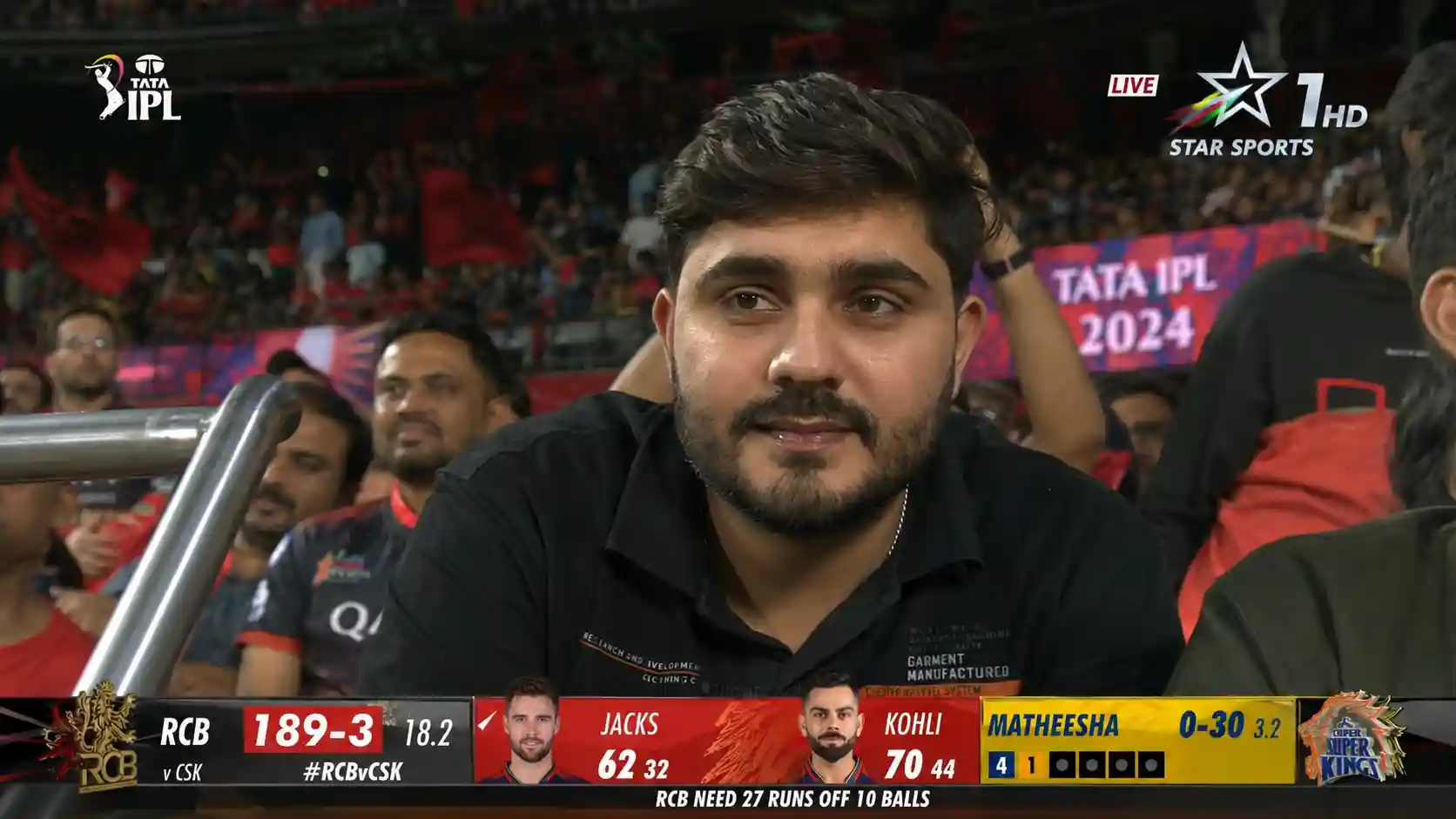
If you’ve been scrolling Instagram Reels or YouTube Shorts lately and stopped dead at a video of someone casually sitting in an IPL stadium crowd waving at the broadcast camera while the Star Sports scorecard blinks in the background you’ve already seen this trend.
And yes, it’s AI-generated. And yes, it looks that real.
This is the IPL Crowd Cam AI trend, and it’s one of the most creative viral formats of IPL 2025. In this guide, I’m breaking down exactly what it is, how it works, and how you can create your own version in under 15 minutes for free.
What Is the IPL Crowd Cam AI Trend?
The concept is simple: using AI tools, you generate a hyperrealistic image of yourself appearing as a crowd member in a live IPL match broadcast complete with official-looking Star Sports overlays, scorecards, stadium floodlights, and 60,000 fans packed behind you.
Then you animate it. The AI makes you wave, react to the match, and even appear on the giant stadium screen all within a 15-second clip that’s nearly indistinguishable from actual televised footage.
The results? Videos racking up millions of views. Comments full of confused friends and family asking, “Wait, were you actually there?!”
What You’ll Need
You don’t need any design skills, video editing experience, or expensive software. Here’s the basic toolkit:
For the image:
- ChatGPT (with image generation enabled)
- A clear photo of yourself ideally smiling naturally, with a simple background
Also Read – MakeMyTrip Hiring Marketing Analytics Associate Jobs
For the animation:
- OpenArt AI or Higgsfield AI (both support Seedance 2.0, the model that powers this trend)
- Free alternatives: Kling AI, Google Flow, or Google Vids all offer free credits to get started
That’s it. Let’s get into it.
Step 1 – Generate Your IPL Broadcast Image in ChatGPT
Open ChatGPT, upload your photo, and paste this prompt. The more natural and candid your photo, the better the output will look.
The prompt:
A screenshot from a live IPL cricket TV broadcast on Star Sports. The camera cuts to the audience our reference image person sitting in the crowd, smiling naturally and unaware they’re on camera. The subject is seated in premium stadium seats near the boundary rope during a high-energy match between Royal Challengers Bengaluru (RCB) and Chennai Super Kings (CSK).
Hardlock: Do not alter their facial structure, skin texture, or likeness in any way.
The stadium atmosphere is electric packed crowd, vibrant red and yellow team colors throughout the stands, dramatic stadium floodlights, flags waving, blurred motion from cheering fans in the background. Full authentic cricket broadcast overlay visible: IPL-style scorecard graphics, Star Sports logo watermark, over count, team scores, player stats ticker, match status.
16:9 aspect ratio, ultra-realistic live sports broadcast feel, indistinguishable from an actual televised IPL match screenshot.
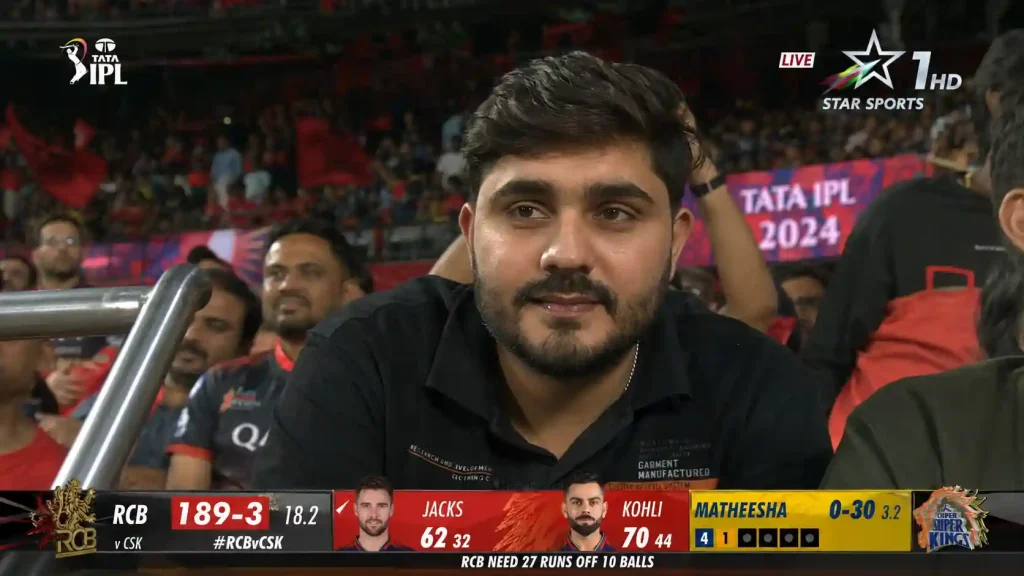
ChatGPT will generate a few variations. Pick the one that looks the most realistic check for a convincing broadcast overlay, authentic crowd blur in the background, and most importantly, your face looking natural and unedited.
Also Read – Nykaa Hiring Data Analyst Intern 2026
Quick realism checklist before you move on:
- Broadcast scorecard and Star Sports logo visible? ✓
- Crowd is packed and blurred like a real telephoto stadium shot? ✓
- Stadium floodlighting looks authentic not studio-lit? ✓
- 16:9 aspect ratio with slight grain or compression artifacts? ✓
- Your face looks natural, not smoothed or AI-glossed? ✓
Step 2 – Bring It to Life With Seedance 2.0
This is where the magic really happens.
Head to OpenArt AI or Higgsfield AI, open the Seedance 2.0 video generation tool, upload your IPL image, and paste the animation prompt below. The model will animate your still image into a 15 second clip that behaves exactly like a real live broadcast crowd cutaway.
The animation prompt:
Use the uploaded reference image as the exact identity reference for the subject. Create a hyper-realistic live IPL television broadcast crowd-shot sequence during a high-energy playoff cricket match in a packed Indian stadium.
The subject must remain fully consistent throughout: same face, same hairstyle, same outfit, same skin tone, same lighting, same seating position, and same crowd environment.
Style: Authentic live sports broadcast aesthetic · Telephoto stadium broadcast camera look · Slight TV compression artifacts · Slight interlacing and broadcast grain · One continuous take only · No cuts · No camera angle changes.
Timeline: 0 to 4 sec: Camera lands on the subject. Subject smiles casually, natural eye movements toward the field and stadium screen. 4 to 7 sec: Subject notices themselves on the big screen, gives a relaxed wave toward the broadcast camera. 7 to 11 sec: Subject reacts to an exciting match moment applause, turns to laugh with a nearby friend. 11 to 15 sec: Subject settles back, clapping and smiling, focused on the ongoing match.
Add realistic IPL live-broadcast graphics throughout: static scorebug, team names, overs, wickets, run rate, bottom score banner, IPL playoff branding, Star Sports-style broadcast package.
Include a lower-third title reading: “[Your Name] – [Your Profession]”
Audio: Loud Indian cricket crowd atmosphere, natural cheers, and two Indian male commentators speaking casually during the crowd cutaway.
The whole clip is one continuous, uncut take no dramatic camera moves, no influencer energy. Just you, sitting in the crowd, completely at home in a packed IPL stadium. That restraint is exactly what makes it look so real.
Step 3 – Export in the Right Format
Once your video is generated, export it with these specs for the best results across platforms:
| Platform | Resolution | Ratio | Frame Rate |
|---|---|---|---|
| Instagram Reels | 1080p | 16:9 | 30fps |
| YouTube Shorts | 1080p | 16:9 | 24–30fps |
| TikTok | 1080p | 16:9 | 30fps |
Step 4 – Post It
Upload to Instagram Reels, YouTube Shorts, and TikTok. The format works on all three, but it tends to go especially wide on Reels where cricket content already has a huge built-in audience during IPL season.
A few caption ideas that work well with this format:
- “Star Sports found me in the crowd”
- “When the broadcast camera just finds you #IPL2025”
- “Living my dream, apparently #RCBvsCSK”
Short, first-person, slightly confused-sounding captions tend to perform better than ones that immediately reveal it’s AI let people watch and figure it out themselves.
Final Thoughts
The IPL Crowd Cam trend is a genuinely impressive showcase of how far AI video generation has come in 2025. A year ago, putting yourself convincingly inside a live sports broadcast would have required a professional VFX team and a serious budget. Today it takes 15 minutes and a free account.
Whether you’re doing it just for the laughs, to flex on friends, or to grow a social media audience around AI content the formula is right here. Go generate your broadcast moment.
And when Star Sports “finds you” in the crowd this IPL season enjoy every second of it.
